- Solutions For
Specialist IT Support Services for:
- Security
Security
- Our Expertise
Our Full Range of IT Services

 IT Support Service Desk
 IT Infrastructure Services
 Remote Monitoring & Management (RMM)
 Cloud Solutions for Business
 Business Continuity & Backup Services
 Cyber Security Services
 IT Consultancy Services
 Microsoft 365 Solutions
 Perimeter Firewall Security Services
 Network & Data Security Services
 IT Audits for Business
 Dark Web Monitoring Services
 User Security Awareness Training
 Endpoint Security Services
 vCIO & CIO Services
 Mobile Device Management Services
 Managed Wi-Fi Solutions
 Cyber Essentials Certification for Law Firms
Posted 19th March 2026
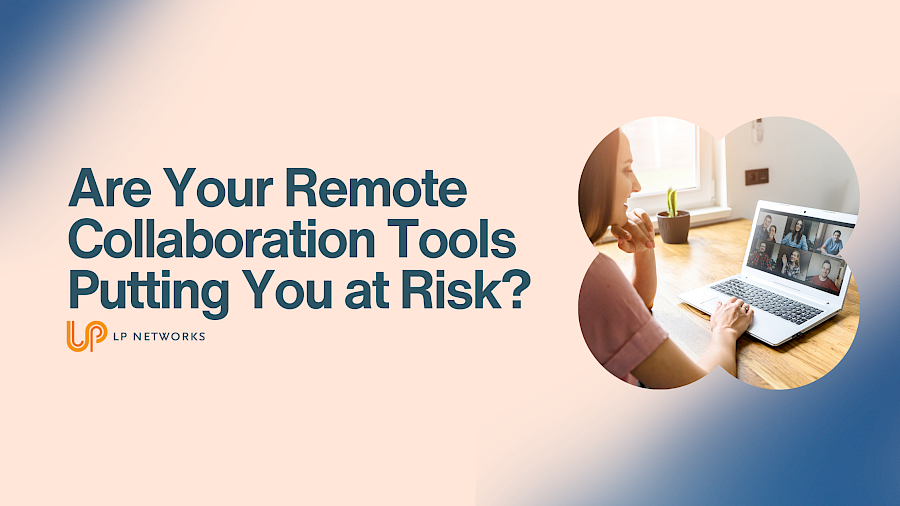
Remote working has completely reshaped how businesses operate. Teams are more flexible, decisions happen faster, and collaboration is no longer tied to a single office.
At the centre of all this are tools like Microsoft Teams, Google Drive and Zoom. They are now part of everyday working life for most businesses.
But while these platforms make collaboration easier, they can also introduce risks that often go unnoticed.
And that is where things start to get uncomfortable.
Cybercriminals are no longer just trying to force their way into systems. Increasingly, they are finding ways to blend in.
Collaboration platforms are an easy target because they are built around trust. Messages look like they come from colleagues. File sharing feels routine. Meeting invites seem harmless.
That familiarity makes it much easier for attackers to slip through the cracks without raising suspicion.
In many cases, it is not about breaking security controls. It is about taking advantage of how people naturally use these tools day to day.
Microsoft Teams is a powerful platform, but if it is not configured properly it can create opportunities for attackers.
If a user account is compromised, it can be used to send malicious links or files internally. Because these messages appear to come from a trusted colleague, they are far more likely to be opened.
Permissions can also become an issue. Guest access and overly broad file sharing settings may expose sensitive information without anyone realising.
What starts as a single compromised account can quickly escalate if it is not contained.
Google Drive makes storing and sharing files simple, which is exactly why it is so widely used.
However, that simplicity can also lead to mistakes. It is surprisingly easy to misconfigure sharing settings and accidentally make files accessible to the wrong people or even publicly available.
There is also the risk of malicious files being uploaded and shared within your organisation, particularly if there are no controls or checks in place.
Over time, these small gaps in visibility can build into a much larger risk.
Zoom has become essential for meetings, whether internal catch ups or conversations with clients.
But without the right controls, meetings can be accessed by people who were never meant to be there. Open links, lack of passwords, or poorly managed settings can all lead to unwanted attendees joining calls.
There is also the question of recorded meetings. If these are not stored and managed securely, they can expose sensitive discussions to the wrong audience.
It is not always obvious when something is misconfigured, which is why these risks are often overlooked.
It is not just the tools themselves that create risk. It is how they are used across the business.
In many small and medium sized organisations, collaboration tools evolve organically. New features are adopted, access is granted, and processes develop without much oversight.
That often leads to common issues such as weak passwords, lack of multi factor authentication, too many people having access to sensitive data, or employees using unauthorised tools to get their work done.
This kind of shadow IT can grow quickly, especially when teams are trying to work efficiently, but it reduces visibility and control over your data.
It is important to say that Microsoft Teams, Google Drive and Zoom are not inherently unsafe.
The real issue is configuration, visibility and user behaviour.
These platforms come with strong security features, but they need to be set up correctly and reviewed regularly. Without that, even the best tools can become a weak point.
Attackers are not interested in the tools themselves. They are interested in how they are being used.
You do not need to stop using collaboration tools. In fact, they are essential for modern businesses.
What matters is making sure they are set up and managed securely.
That means taking control of access and permissions, enabling multi factor authentication, regularly reviewing who can access what, and ensuring your team understands how to spot anything suspicious.
It also means having visibility across your systems so unusual activity can be identified early.
For many businesses, the challenge is not knowing what to do. It is finding the time and expertise to do it properly.
This is where we see many businesses struggle. The tools are in place and being used every day, but there is uncertainty around whether they are truly secure.
At LP Networks, we help you take control of that uncertainty.
We review your current setup, identify potential risks, and put practical measures in place to strengthen your security without disrupting how your team works.
From securing Microsoft 365 environments to improving visibility and supporting your staff, we make sure your collaboration tools are working safely in the background.
If your business relies on Teams, Google Drive, Zoom, or any other remote collaboration tools, it is worth asking whether everything is configured as securely as it should be.
If you are not completely confident, now is the time to find out.
Get in touch with LP Networks to arrange a review and make sure your business stays both connected and protected.