- Solutions For
Specialist IT Support Services for:
- Security
Security
- Our Expertise
Our Full Range of IT Services

 IT Support Service Desk
 IT Infrastructure Services
 Remote Monitoring & Management (RMM)
 Cloud Solutions for Business
 Business Continuity & Backup Services
 Cyber Security Services
 IT Consultancy Services
 Microsoft 365 Solutions
 Perimeter Firewall Security Services
 Network & Data Security Services
 IT Audits for Business
 Dark Web Monitoring Services
 User Security Awareness Training
 Endpoint Security Services
 vCIO & CIO Services
 Mobile Device Management Services
 Managed Wi-Fi Solutions
 Cyber Essentials Certification for Law Firms
Posted 16th October 2026
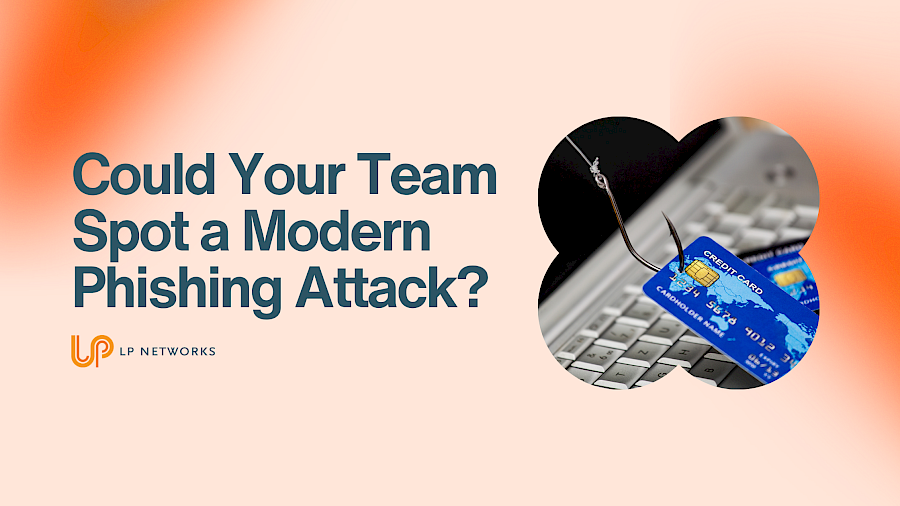
Phishing emails used to be easier to spot. Poor spelling, suspicious links and emails from unfamiliar senders often gave the game away.
Things have changed.
Today's phishing attacks can look convincing, using familiar names, company branding and realistic messages to trick employees into clicking malicious links, sharing sensitive information or transferring money.
According to the UK Government's Cybersecurity Breaches Survey 2025/2026, 38% of UK businesses reported experiencing a phishing attack in the previous 12 months, making it the most common type of cyber security breach or attack identified in the survey.
With attacks becoming harder to recognise, would your team know what to look for?
Phishing is when cyber criminals impersonate trusted people or organisations to steal information or gain access to business systems.
Common examples include:
Artificial intelligence is also making it easier for attackers to create convincing messages without the spelling mistakes and awkward wording people once relied on to spot scams.
Even a professional-looking email can be malicious. Encourage your team to look out for:
If something feels unusual, take a moment to check before clicking or responding.
Make sure everyone knows how to report suspicious messages to your IT support provider or designated security contact.
If someone clicks a suspicious link or shares their login details, they should report it immediately. A quick response can help limit the damage.
Regular staff training is important, but it should be supported by technical security measures, including:
No single measure will stop every attack, but combining these safeguards can significantly reduce your risk.
Phishing attacks are becoming increasingly sophisticated, and even experienced employees can be caught out. The key is to make cybersecurity part of everyday working life, with clear reporting procedures, regular training and the right technical protection.At LP Networks, we help businesses strengthen their IT security, protect their employees and reduce the risk of cyber attacks.
Get in touch with LP Networks to discuss your cyber security and find out how we can help protect your business, your people and your data.