- Solutions For
Specialist IT Support Services for:
- Security
Security
- Our Expertise
Our Full Range of IT Services

 IT Support Service Desk
 IT Infrastructure Services
 Remote Monitoring & Management (RMM)
 Cloud Solutions for Business
 Business Continuity & Backup Services
 Cyber Security Services
 IT Consultancy Services
 Microsoft 365 Solutions
 Perimeter Firewall Security Services
 Network & Data Security Services
 IT Audits for Business
 Dark Web Monitoring Services
 User Security Awareness Training
 Endpoint Security Services
 vCIO & CIO Services
 Mobile Device Management Services
 Managed Wi-Fi Solutions
 Cyber Essentials Certification for Law Firms
Posted 27th May 2026
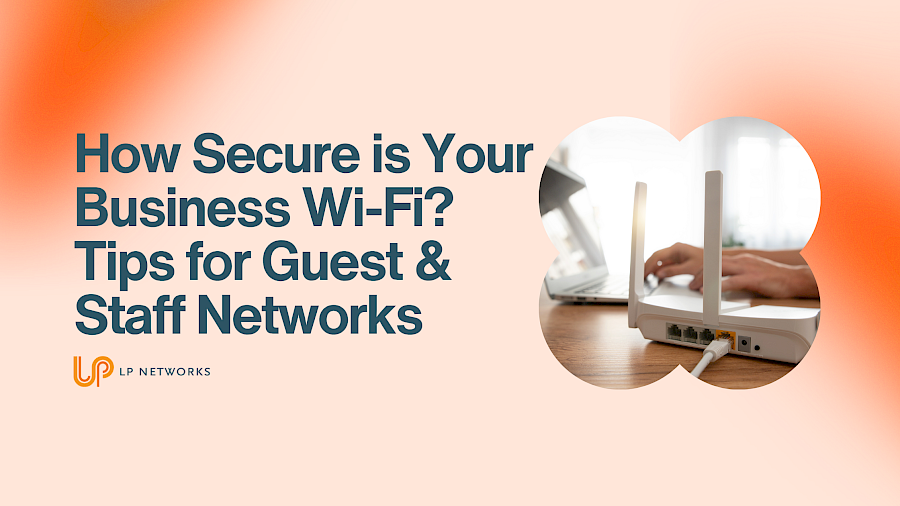
We all love the convenience of Wi-Fi. It keeps businesses connected, staff productive, customers happy, and devices working without a tangle of cables trailing across the office floor. But while business Wi-Fi might feel like one of those modern essentials we barely think about, it can also be one of the easiest ways for cybercriminals to gain access to your systems if it is not properly secured.
For many small businesses, Wi-Fi security is often treated as a one-and-done setup. The router gets installed, the password is shared, and everyone carries on. But in reality, your wireless network needs proper planning, ongoing management, and clear separation between guest access and business-critical systems.
So, how secure is your business Wi-Fi really?
Your business Wi-Fi is more than just internet access. It often connects laptops, phones, printers, cloud platforms, smart devices, VoIP phones, and sometimes even security systems.
If left vulnerable, your wireless network can expose your business to:
For cybercriminals, an unsecured or poorly segmented Wi-Fi network can act as an open door.
The good news is that securing your wireless environment is entirely achievable with the right setup.
One of the most common mistakes businesses make is allowing guests, customers, or even contractors to connect to the same network used by employees.
This creates unnecessary risk.
Your staff network should be reserved for:
Your guest network should be limited to:
By separating these networks, you significantly reduce the chance of an external device introducing threats into your core infrastructure.
Think of it as giving visitors access to your reception area, but not the keys to the whole building.
This sounds simple, but it is surprising how many businesses still use default admin usernames and passwords.
Always:
Default settings are one of the first things attackers will test.
Your Wi-Fi should always use the latest security protocols available, ideally:
Avoid outdated encryption methods such as WEP or unsecured open networks.
Stronger encryption makes it significantly harder for attackers to intercept traffic.
Separate guest and staff networks through:
This ensures guest traffic cannot move laterally into your business systems.
Routers, firewalls, and access points all require updates to patch vulnerabilities.
Failing to update networking hardware can leave known security flaws exposed for months or even years.
Make firmware updates part of your regular IT maintenance.
Do you know exactly what is connected to your network right now?
Businesses should regularly audit:
Unknown devices should be investigated immediately.
Not every employee needs access to every system.
Implement role-based access controls to minimise internal risk and reduce exposure if credentials are compromised.
Avoid:
Instead:
Modern offices increasingly rely on connected devices such as:
These devices can become weak points if connected to your main network without proper security controls.
Where possible, isolate IoT devices onto their own network segment.
For businesses handling customer information, financial records, or regulated data, poor Wi-Fi security can contribute to compliance failures under frameworks such as:
Protecting your wireless infrastructure is not just good practice, it is often a business necessity.
You may need a professional assessment if:
If any of these sound familiar, your business could be carrying avoidable risks.
Your wireless network is a critical part of your IT environment, and like any business asset, it deserves proper protection.
Strong Wi-Fi security is not about making life harder for staff or customers. It is about ensuring your business remains productive, compliant, and protected from increasingly common cyber threats.
At LP Networks, we help businesses assess, secure, and optimise their IT infrastructure, including business-grade wireless solutions designed to keep staff productive and business data protected.
If you are unsure whether your business Wi-Fi is as secure as it should be, now is the perfect time to review it.
Because when it comes to cyber security, convenience should never come at the cost of protection.